Free Image Tools Online
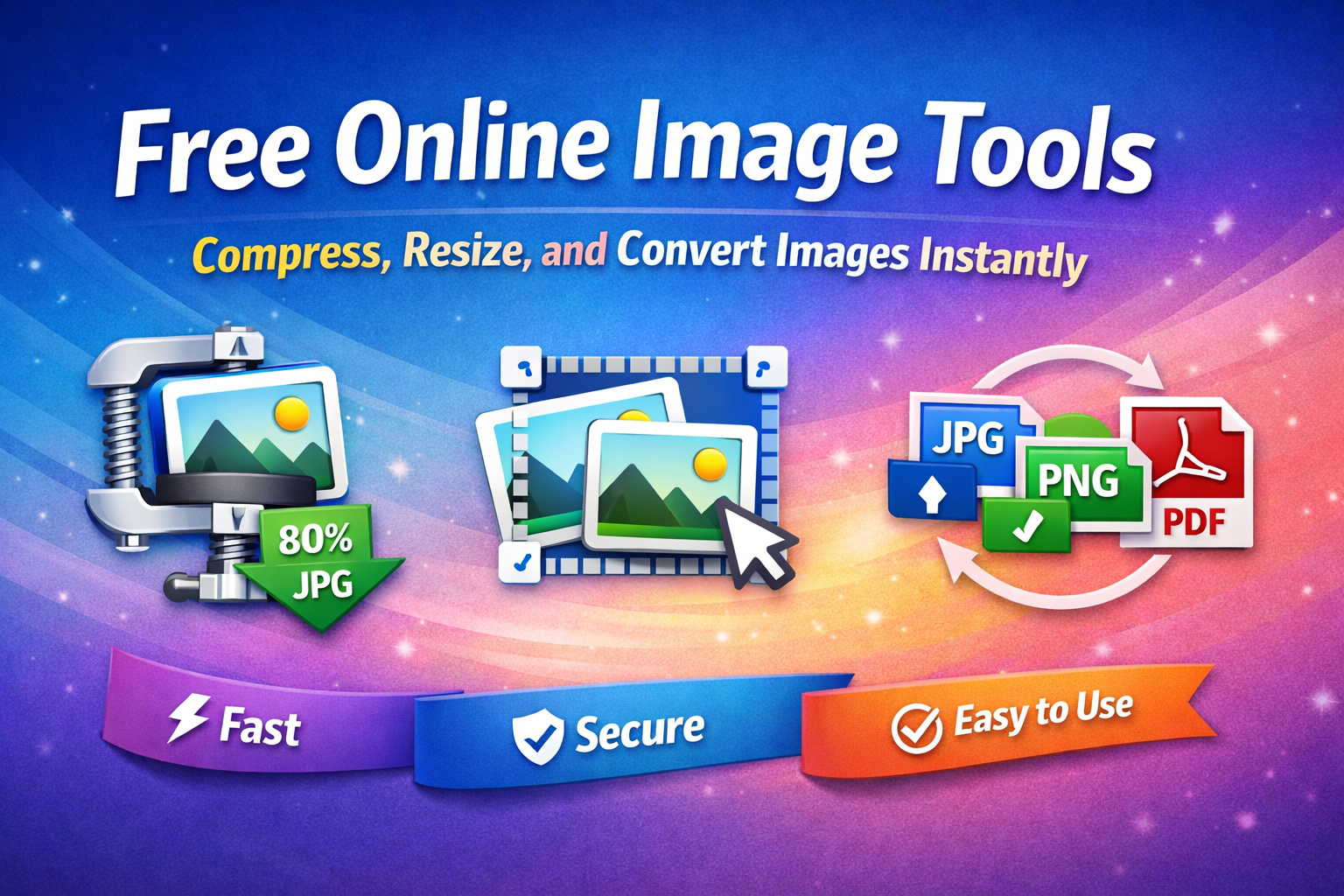
PicBlender is a free browser-based image utility tool designed to make image editing simple and fast. You can compress large images, resize them for websites or social media, convert between formats, and merge images into PDF documents instantly.
Unlike traditional tools that require uploading files to a server, PicBlender processes images directly in your browser. This means your images remain private and the processing is much faster.
Features
- ✦Compress images online
- ✦Resize images without losing quality
- ✦Convert PNG, JPG, WebP formats
- ✦Create PDF from images
- ✦100% browser based processing
Why Use PicBlender?
PicBlender is built with simplicity and speed in mind. Unlike many online tools, our platform processes images directly in your browser, ensuring faster performance and better privacy.
- ✔ 100% Free Image Tools
- ✔ No Software Installation Required
- ✔ Fast Image Processing
- ✔ Secure and Private File Handling
- ✔ Works on Mobile and Desktop
How to Use Our Tools
Using PicBlender is simple:
- Upload your image file.
- Choose the tool you want to use (compress, resize, or convert).
- Adjust settings if needed.
- Download the processed image instantly.
The entire process takes only a few seconds.
Free Online Image Processing Tools
Online image tools have become essential for students, developers, bloggers, and designers who need quick image editing without installing heavy software. PicBlender provides a lightweight and easy-to-use platform for compressing images, resizing photos, and converting image formats. Our tools are optimized for performance and usability, allowing users to process images directly from their browser.
Whether you need to reduce image size for faster website loading, resize photos for social media, or convert images into PDF documents, PicBlender offers a reliable solution. The platform works seamlessly on all modern browsers and devices, ensuring accessibility for everyone.
Frequently Asked Questions
Q: Is PicBlender free to use?
╰┈➤ Yes, all tools are completely free.
Q: Are my images uploaded to a server?
╰┈➤ Most processing happens in your browser to ensure privacy.
Q: What image formats are supported?
╰┈➤ PicBlender supports JPG, PNG, and WEBP formats.